content (look board)

Content #1
Teaching DJ’s how to beat match. Also Including screen recordings of the Serato program.

Content #2
Teaching DJ’s how to push their own content and not be boring.

Content #3
DJ tips and tricks.
ads (look board)
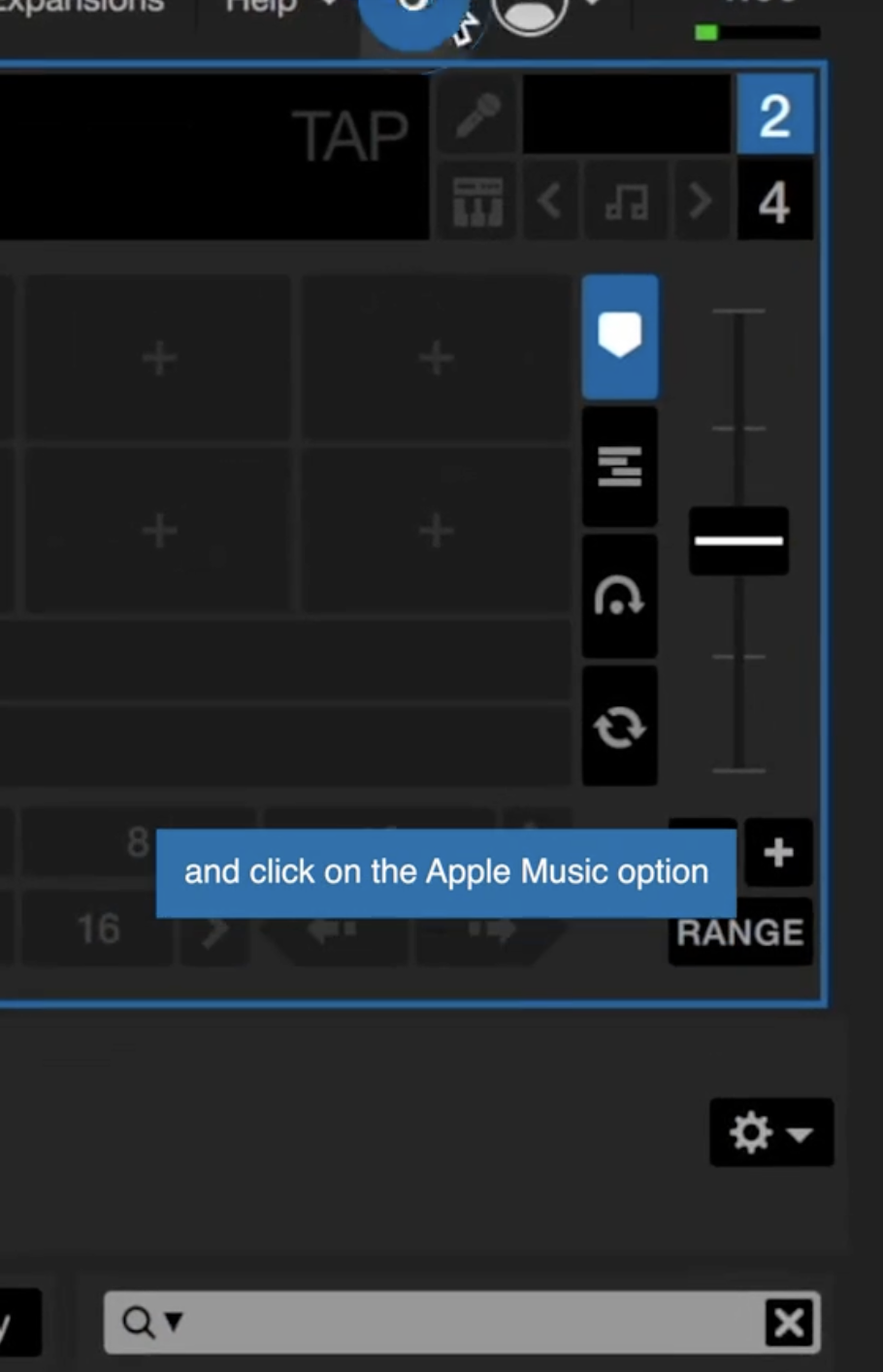
ad #1
Showing how apple music is now available within Serato.
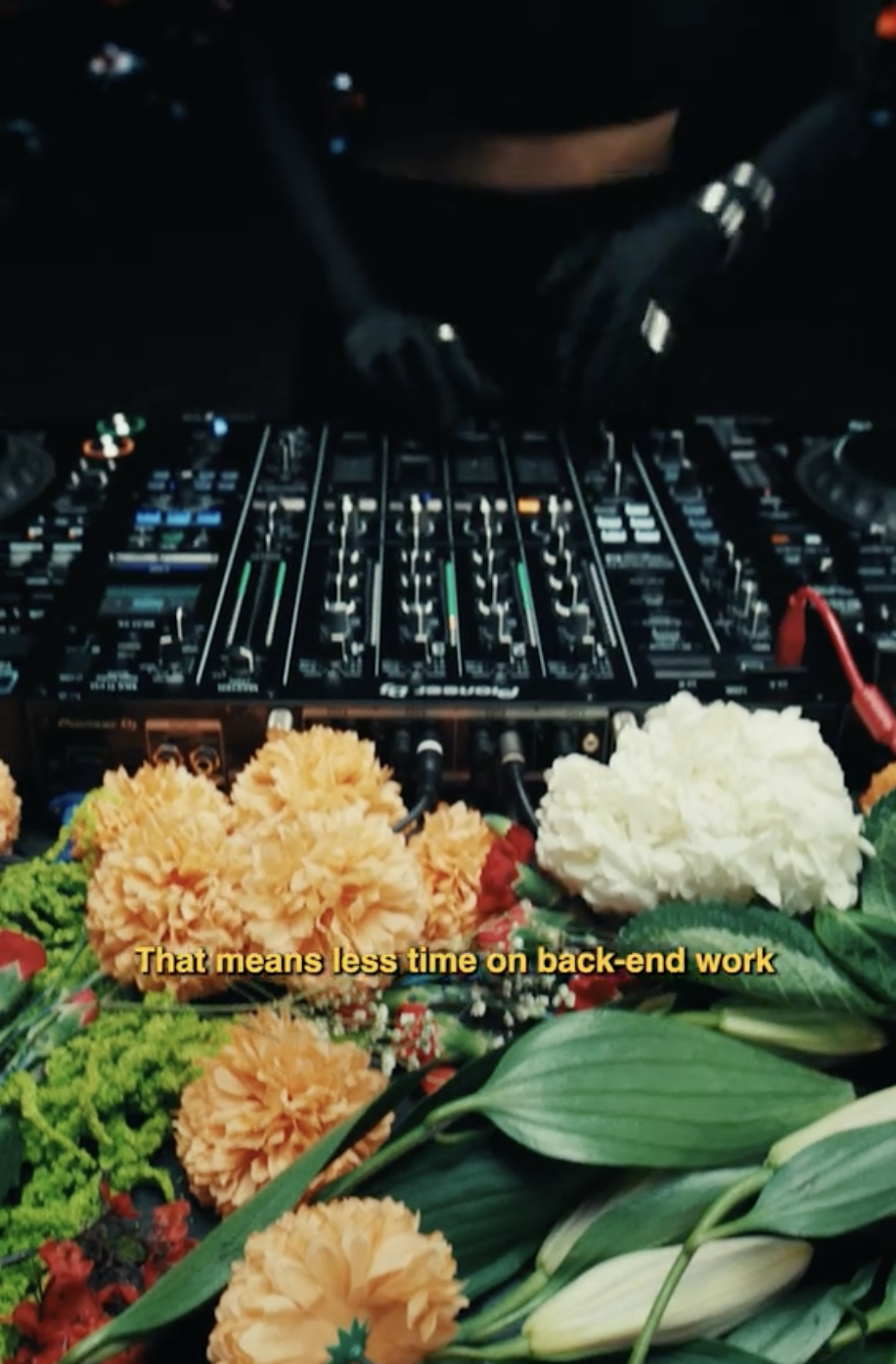
ad #2
Alternate ad showing how apple music is now available within Serato.
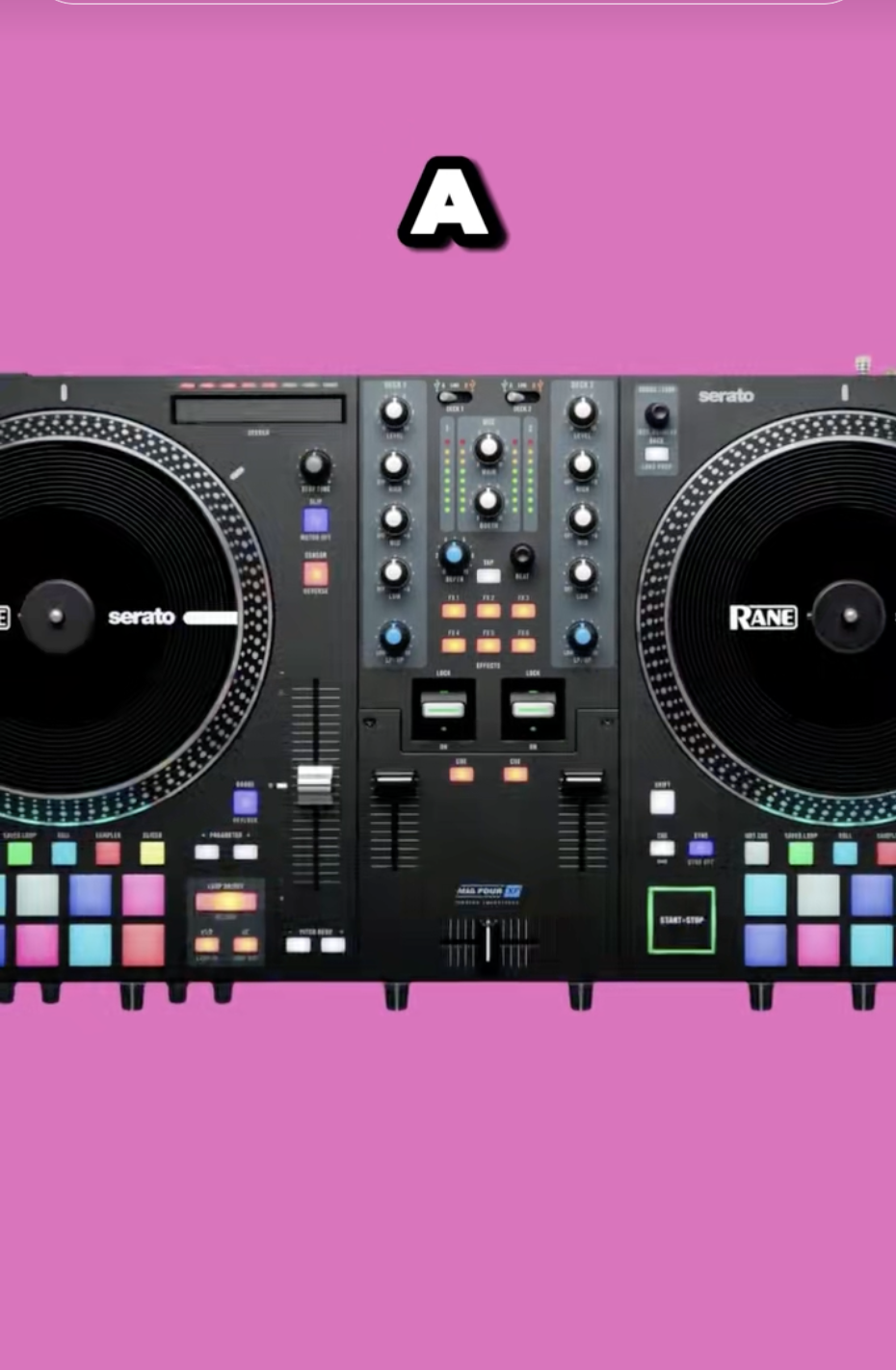
ad #3
Ad showing the best dj controllers for 2025.
overview and script
overview content
I’m doing my videos about DJ tips + tricks for the Numark Mixtrack Platinum FX controller — content aimed at beginner DJs looking to level up their mixing skills.
script
3 Easy DJ Tips Using the Numark Platinum FX
| Script | On Screen |
|---|---|
| Just got a Numark Platinum FX? Here’s 3 beginner DJ tricks that’ll make your sets sound way more professional. | Hook Text On Screen: “3 EASY Numark DJ Tricks” → Showing controller up close. |
| Tip 1: Use the Filter knob when transitioning between songs — sounds super clean and smooth. | Close up shot of hand twisting filter knob while mixing → Example of how it sounds both with and without using filter. |
| Tip 2: Echo Out effect is your best friend for clean transitions or dropping the beat out. | Demo showing how to hit the FX paddle → drop the echo out → next song comes in clean. Text overlay: “Hold for FX → Release to Cut” |
| Tip 3: Layer in vocals or samples on Deck 3 or 4 for extra hype moments. | Quick demo of using Deck 3 for a vocal or scratch sample over a song. Split screen showing what you’re doing on controller vs crowd reaction. |
| Follow for more DJ tips + tricks. | Ending screen = Logo or handle @yourdjname + Text: “Follow for more DJ Tips” |
overview and script
overview ad
I am going to create a clean and professional ad-style video showcasing the Numark Mixtrack Platinum FX DJ Controller. This video will be designed to feel like a high-quality brand commercial that highlights the controller’s key features while positioning it as the perfect board for beginner and intermediate DJs.
script
Using the Numark Controller
| Script | On Screen |
|---|---|
| The perfect DJ setup doesn’t have to be complicated. | Slow motion shot of setting the Numark Mixtrack Platinum FX down on a clean table. Warm lighting. |
| Meet the Numark Mixtrack Platinum FX. | Cinematic close-up of jog wheels lighting up, text overlay: “Numark Mixtrack Platinum FX” |
| Built for beginners. Trusted by DJs. | Controller powering on → Quick shots of people mixing, smiling, performing. Text overlay with this line. |
| 6-inch jog wheels with built-in displays for total control. | Close-up shot of jog wheels spinning, display showing BPM or track info. Smooth motion. |
| Dedicated FX paddles for clean transitions and creative mixes. | Quick demo: hand snapping FX paddle down while music echoes out. Overlay text: “FX Paddles” |
| Smooth filter knobs for effortless blends. | Close up of filter knob twist during a mix transition. Text overlay: “Filter Control” |
| Everything you need to control the night. | Wide shot of full clean setup → Maybe crowd dancing or head nodding reaction. Overlay text with this line. |
| Nothing you don’t. | Minimal shot: controller lit up on its own in a dark/clean space. Overlay text: “Nothing You Don’t.” |
| Numark Mixtrack Platinum FX. | Final hero shot of controller, centered with soft glow or logo overlay. |
| Ready when you are. | Text overlay: “Ready when you are.” Fade to black or logo lockup. Optional: @numark_dj handle or #MixtrackPlatinumFX hashtag. |
ROUGH DRAFT
content
ad
Final
content
ad
 CADE BUSCHER